 Yei ID
What it looks like
Have a look before you install.
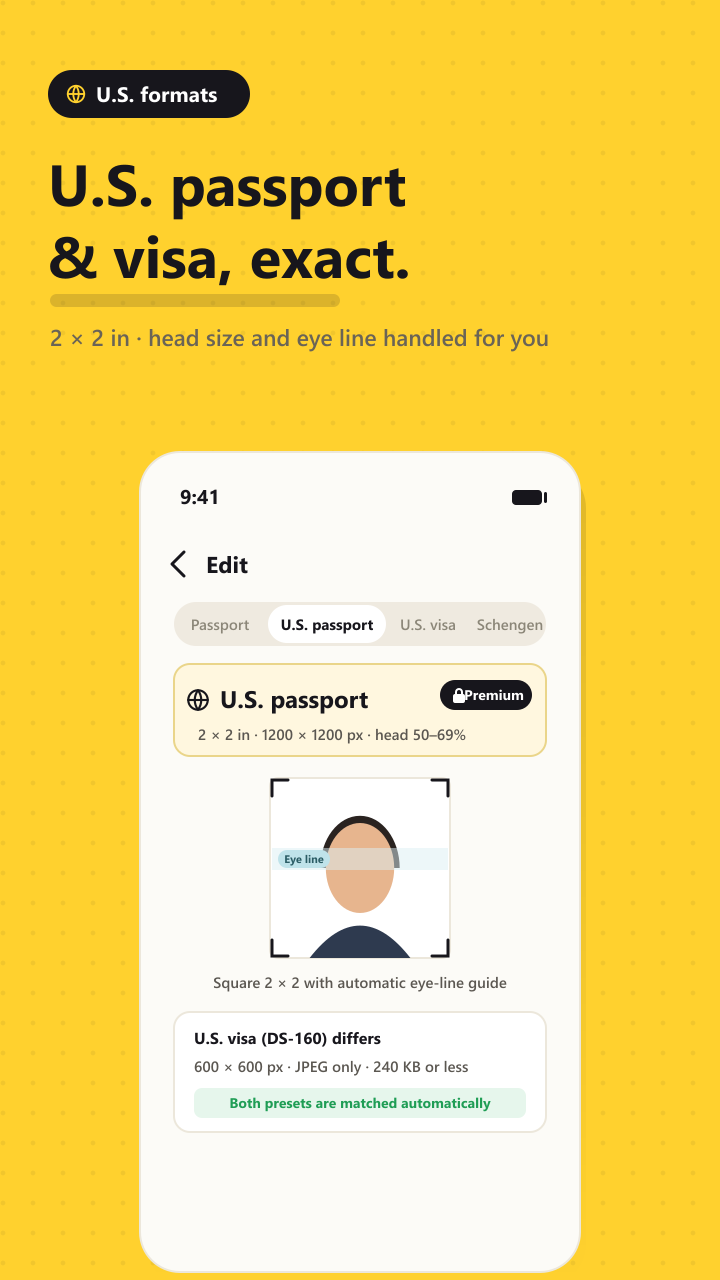
U.S. passport and DS-160 visa, sized exactly
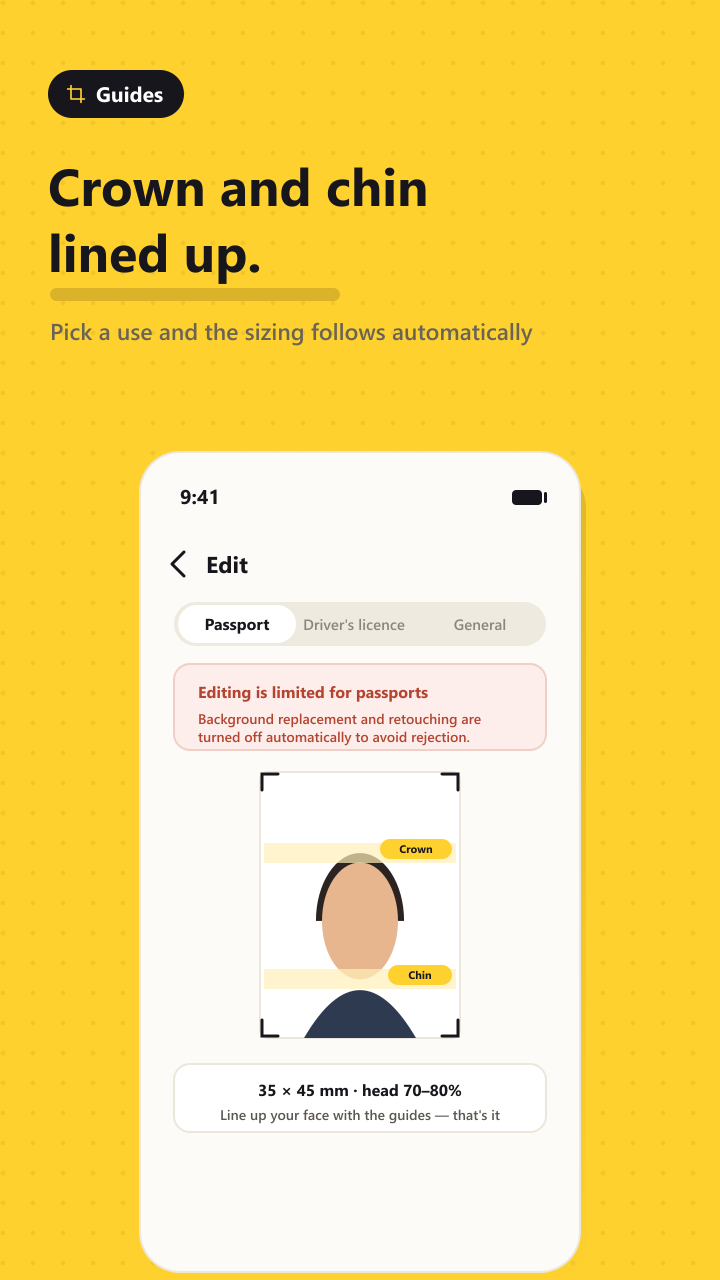
Crown and chin lines placed for you
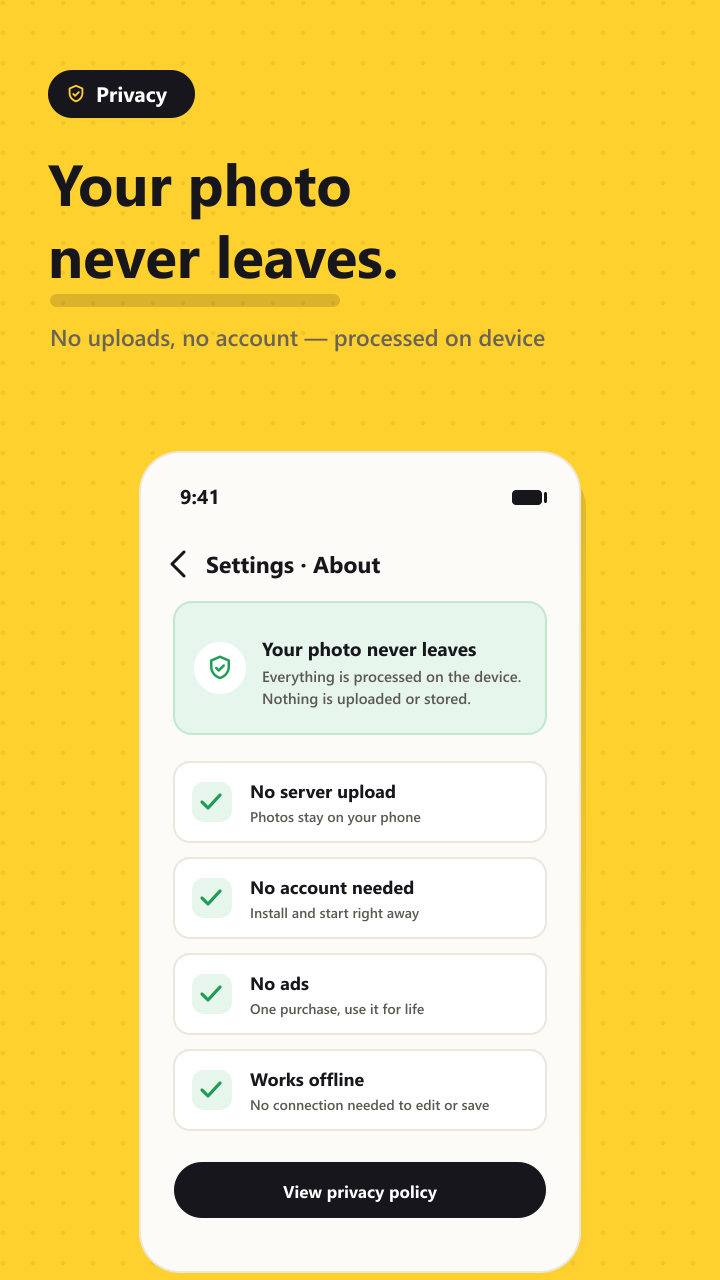
Nothing is uploaded, no account needed
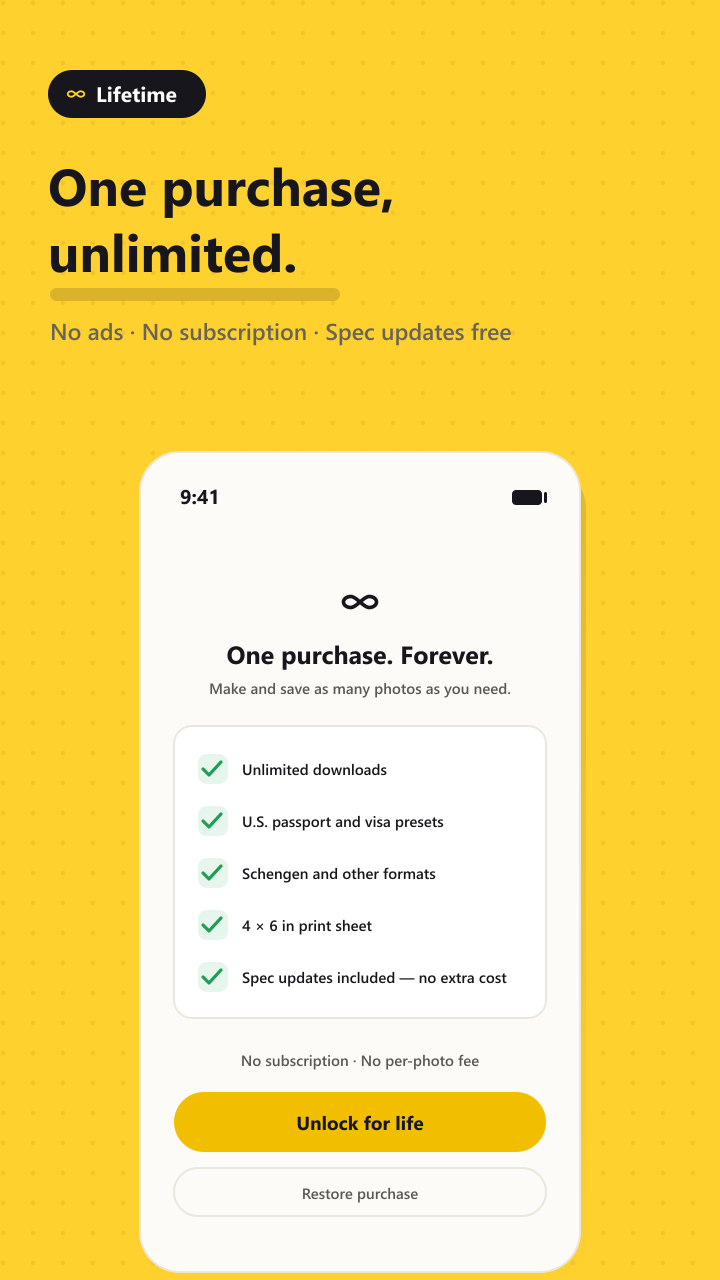
One purchase, then unlimited
Swipe for more →
What do you need a photo for?
Pick the use and the size, head proportion and eye line are set automatically.
United States Most used
- U.S. passport2 × 2 in (51 × 51 mm)
1200 × 1200 px · 600 DPI - U.S. visa (DS-160)2 × 2 in (51 × 51 mm)
600 × 600 px · 240 KB or less
These two are not the same file. The DS-160 upload rejects anything over 240 KB, while passport renewal accepts up to 10 MB — so squeezing a passport photo down to visa size only costs you quality. Yei keeps them apart.
Everyday ID Size handled
- Standard ID photo35 × 45 mm
- Résumé / small ID30 × 40 mm
- Schengen visa (Europe)35 × 45 mm
For everyday ID photos you can also replace the background with plain white. The subject is separated on your device — the image is never sent anywhere.
Why strict formats are treated differently
- Background replacementOff for passport & visa
- Smoothing / retouchingOff for passport & visa
- Brightness & cropStill available
The State Department screens submitted photos for digital alteration, and edited images get rejected. Yei turns those tools off automatically on passport and visa presets so you don't trip that rule by accident.
Why Yei
No studio, no guesswork about the numbers.
Your photo never leaves your phone
Everything runs on the device. No server upload, no account, no login. Your face is not sent anywhere — not to us, not to anyone else.
The measurements are the hard part
A U.S. passport photo isn't just square — the head has to fill roughly half the frame and the eyes have to sit in a specific band. Line your face up with the guides and that's handled.
No "file too large" at the last step
The DS-160 uploader rejects a photo over 240 KB, and it only tells you after you've filled everything in. Yei brings the file under the limit before you get there.
Print a sheet, not one photo
Lay several copies onto a 4 × 6 in sheet and print it at a drugstore kiosk or at home, instead of paying studio prices per print.
Three steps
One photo taken against a plain wall is enough.
- Pick the useU.S. passport, DS-160 visa, Schengen, everyday ID — whichever you need.
- Line up your faceDrop the photo in and nudge it until your crown and chin meet the guides.
- Save or printA correctly sized file lands in your gallery. Upload it as is, or print the 4 × 6 sheet.
One purchase, unlimited
Not per photo. Not a subscription.
- Make and save as many photos as you want
- No ads, no subscription
- Spec changes arrive as app updates — no extra cost
- U.S. passport & visa presets, Schengen, and the print sheet included
Try it with 5 free photos first. Pay only if it works for you.
Common questions
The things that usually go wrong at submission.
What size is a U.S. passport photo?
2 × 2 inches (51 × 51 mm), square, with your head taking up roughly 50–69% of the frame height. For a printed photo that means the head measures about 1 to 1 3/8 inches from chin to crown. Yei outputs 1200 × 1200 px at 600 DPI so the print stays sharp.
What are the DS-160 digital photo requirements?
A square JPEG between 600 × 600 and 1200 × 1200 pixels, no larger than 240 KB. JPEG only — PNG is not accepted. Yei's "U.S. visa" preset writes a 600 × 600 JPEG and holds it under 240 KB.
Do I have to shrink a passport photo to 240 KB too?
No — 240 KB is the visa limit. Online passport renewal accepts roughly 54 KB to 10 MB, so there is no reason to cut the quality. Doing it anyway can get the photo rejected for being too low in detail. That's why Yei keeps the two presets separate.
Can I use a selfie I took at home?
Yes. Stand a step away from a plain, light wall, face a window so the light is on you rather than behind you, and look straight at the camera. That is usually enough. Don't stand right against the wall — you'll cast a shadow that reads as a grey background.
Is my photo uploaded anywhere?
No. Editing and saving happen entirely on your device, and the image is never transmitted or stored on a server. There is no account and no login. Details are in the privacy policy.
Why can't I change the background on a passport photo?
Because edited photos get rejected. Submitted photos are screened for digital alteration, so Yei turns background replacement and retouching off on the passport and visa presets. Cropping and brightness stay available.